INSERT/DELETE rows or columns
You can dynamically delete the rows or columns by Action.

Insert Rows
- Drag ‘Insert Rows’ action from ’Cell Operation’ tab, then set in the edit area.
- Set the location and row count to insert the row.

Delete Rows
- Drag ‘Delete Rows’ action from ’Cell Operation’ tab, then set in the edit area.
- Set the location and row count to delete the row.

Insert Columns
- Drag ‘Insert Columns’ action from ’Cell Operation’ tab, then set in the edit area.
- Set the location and column count to insert the column
Delete Columns
- Drag ‘Delete Columns’ action from ’Cell Operation’ tab, then set in the edit area.
- Set the location and column count to delete the column

Attention
If you insert/delete rows or columns when editing a sheet, the inputted cell addresses will be automatically updated and the references will be updated accordingly.
However, if you insert/delete rows or columns in an action at runtime, the cell addresses referred by formulas inputted in cells will be updated, but not for cell addresses set in apps, as shown below.
- Cell addresses being set to be editable when published (see Allow Cell Input When Publish for details)
- Cell addresses with actionset being set to run when cell value is changed (see Run Action Set When Cell Value Changed (Basic) for details)
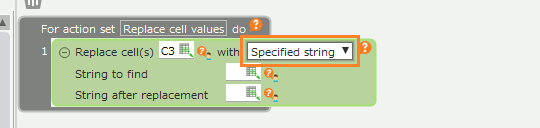
- Cell addresses specified in actions
- Rows range for title specified in Print title