Change Cell Formatting
Change Cell Formatting
- Open 'Action set setting' dialog.
- Drag 'Apply format to cell' action from 'Cell' tab, then set into the edit area.
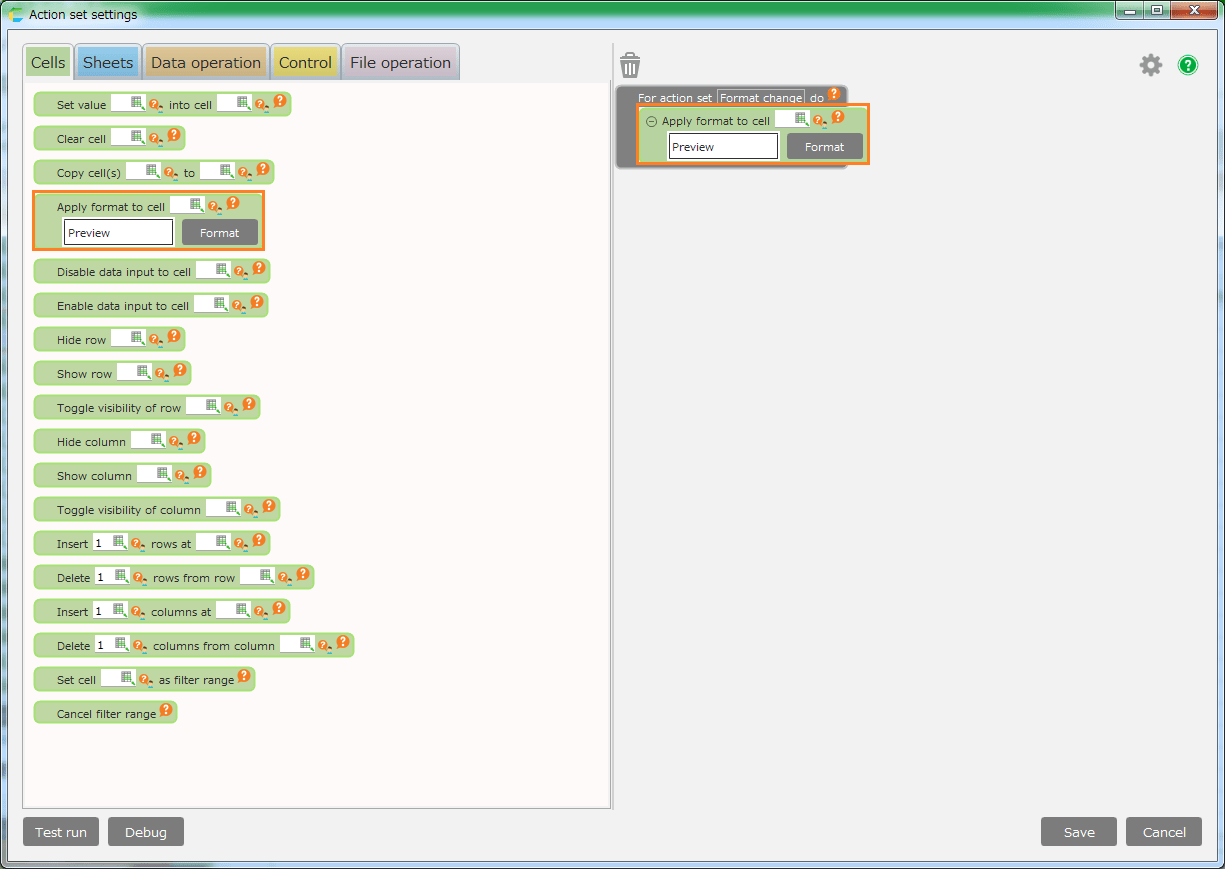
- Set the cell address to change the format.

- Click 'Format' button, then open 'Format Cells' dialog

- Set the format in 'Format Cells' dialog.

See also
Regarding cell formatting, Change Cell Formatting.
- Click the 'OK' the 'Format Cells' dialog to save the form.
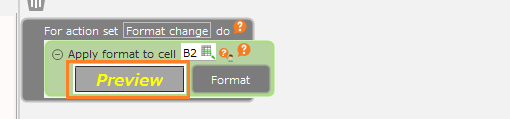
Specified format is displayed as preview.
- Click Save button.
Related keywords
format