Search for similar data
This is an action that searches for data similar to the specified content from the target Knowledge.
Note that this action does not consume the AI usage count of the license.
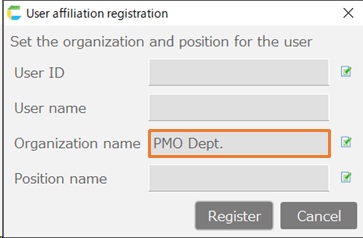
[1] Target knowledge
Specify the Knowledge to search. (multiple allowed)
[2] Search content
Enter the content you want to search for (words or sentences).Data that is semantically similar to this content will be retrieved from the target Knowledge.Additionally, by clicking the edit icon, you can configure the settings for the search.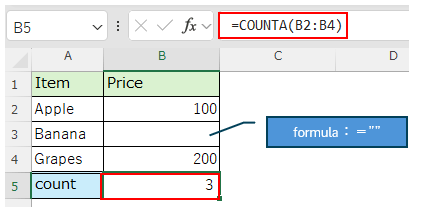
Similarity
You can specify the data similarity to match from 0.0 to 1.0. (Higher value indicates more similar data)Data that exceeds the specified similarity will be retrieved as search results.Max results
Specify the maximum number of data items to retrieve as search results.
- [3] Filter conditions
- You can filter the matched similar data with the specified conditions.Only data that matches all the specified conditions will be displayed as results.
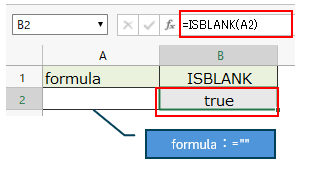 In 'Item', enter the column name of the table specified as the data source.
Tip
By executing this action without filter conditions, you can check the existing items.* You need to check 'Output title' in the output settings described later.
[4] Output Cell
The search results will be output as a table starting from the specified cell.Data with higher similarity will be displayed first.Additionally, the columns of the output table will be displayed in the order of specified target Knowledges and only for items included in the search results.By clicking the edit icon, you can configure the output settings.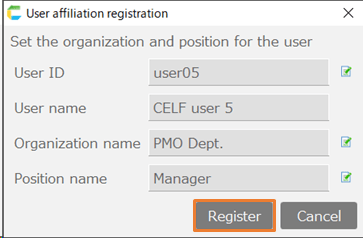
Output columns filtering
Only the specified item names (comma-separated for multiple items) will be output to the table.Output title
Output the title (items names) in the first row of the table.Output similarity
Output the similarity in the first column.