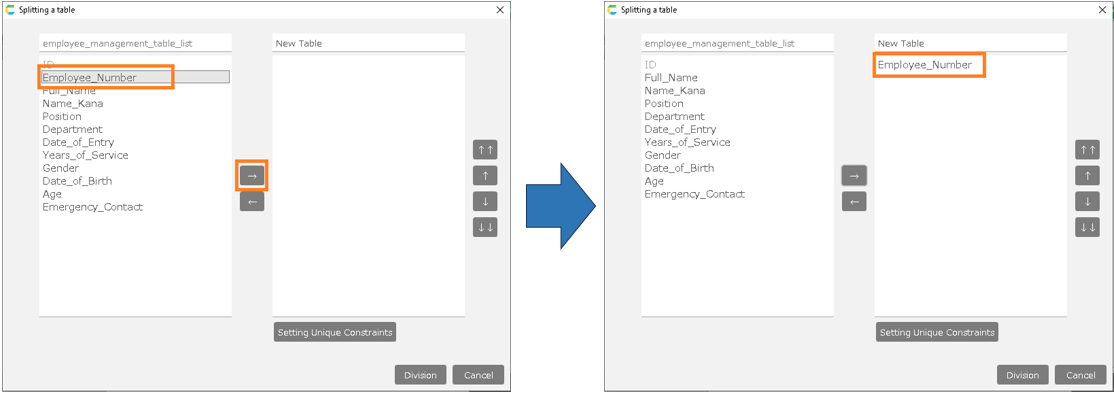
Set up check for required input and check for allowed number of characters
"Create from Excel file" function allows you to set up input checks when creating an app.
Adding 'input check' operation will allow the user to check for errors on the spot.
Set up check for required input and check for allowed number of characters
- Create the app by referring to "Create from Excel file".
Proceed to the input item specification screen.
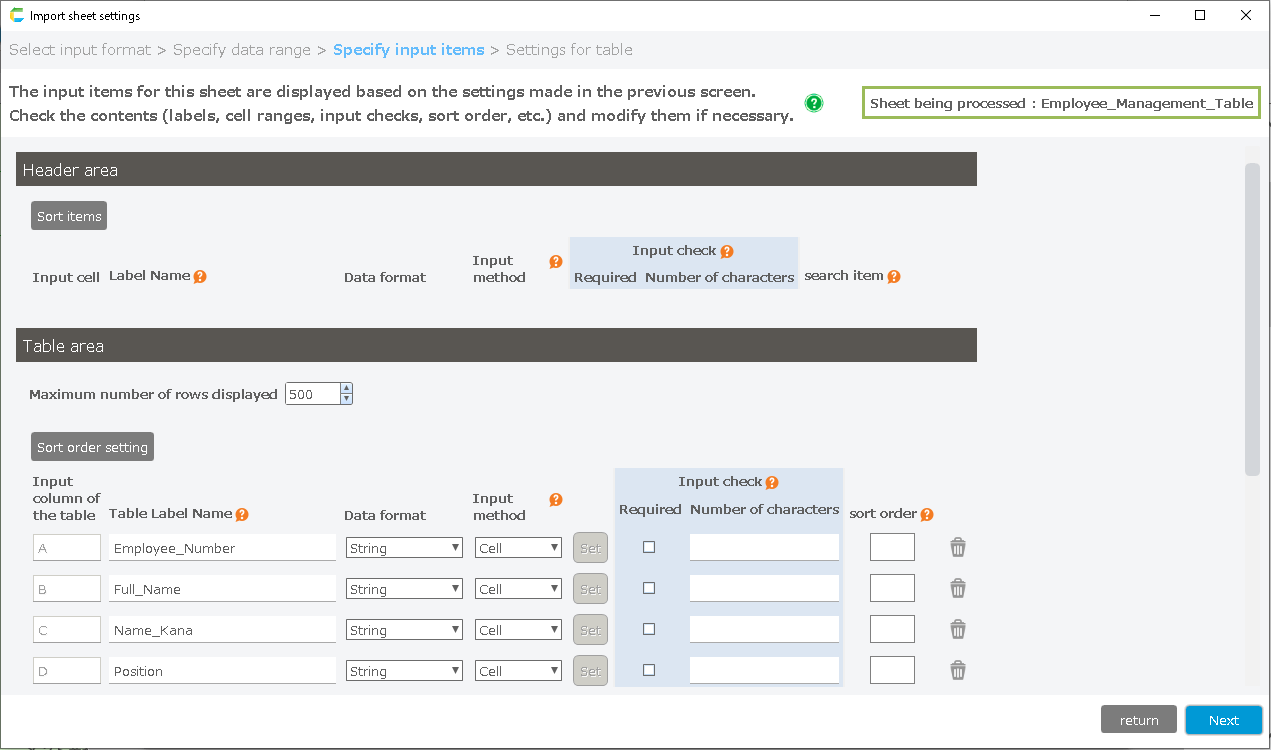
- If you check the required checkbox when creating the app, you will get an error if registering with null input.
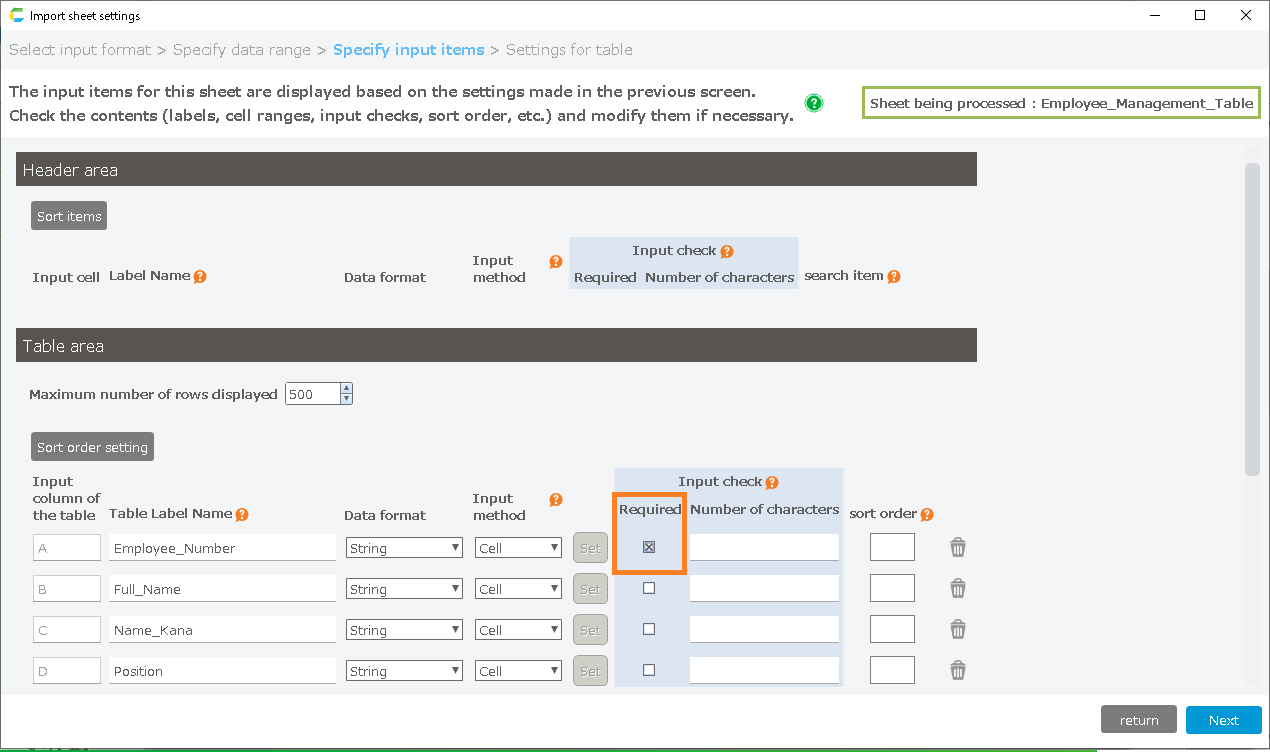
- If you enter a number in the character count text box when creating the app, an error will occur if you register more characters than the number.
Since it is "6" here, entering "1234567" as the employee number will produce an error.
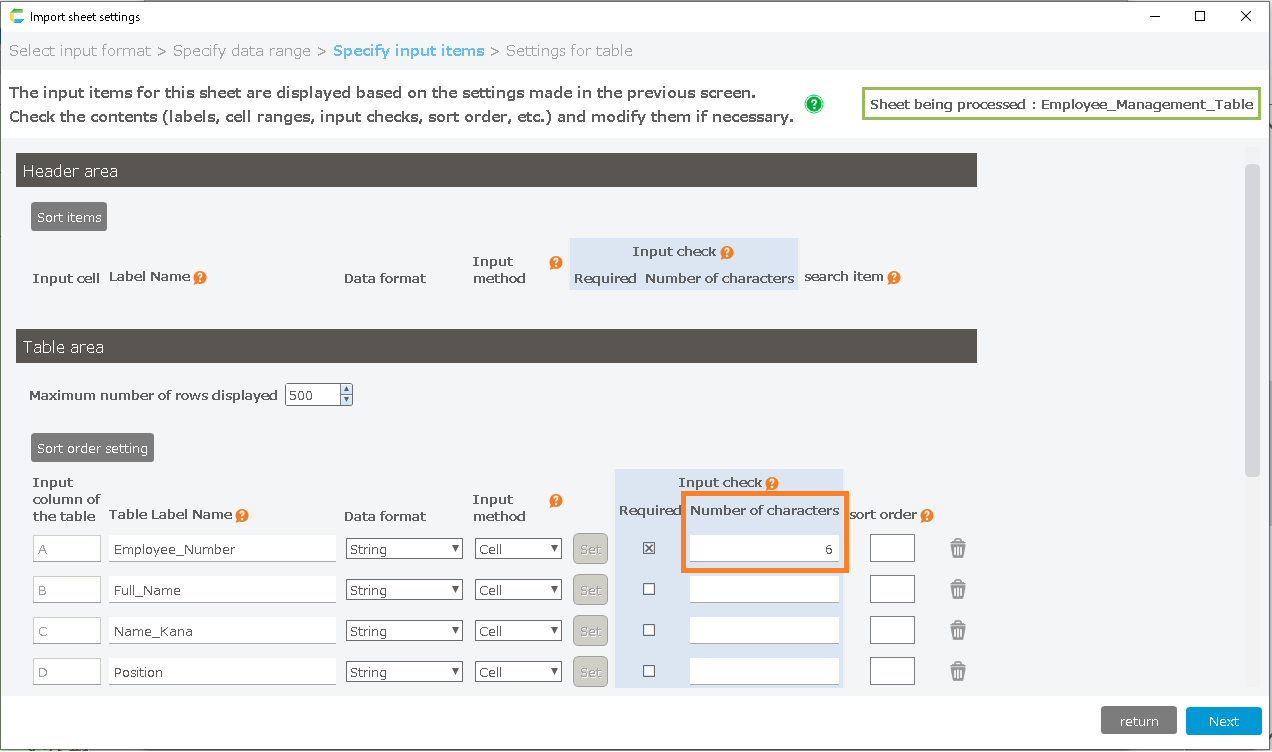
- Once you have completed the setup, refer to "Create from Excel File".
- If you leave a required field blank, an error message will appear and you will not be able to register it.
- If you register more than the specified number of characters, an error message will be displayed and you will not be able to register the string.