Logout
Logout
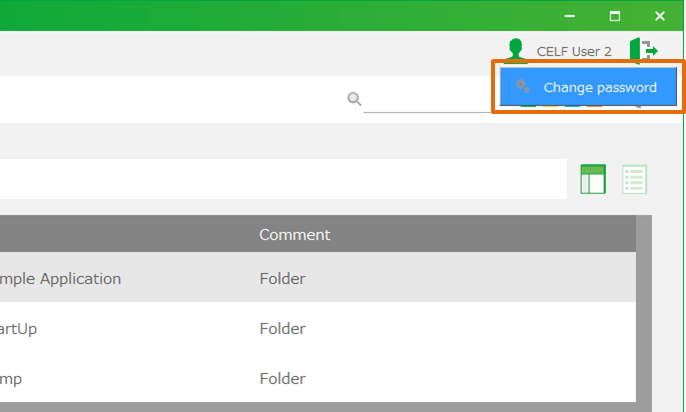
- Click 'Logout' button on the top right.
- Click 'OK' button in 'CELF message' dialog.
Attention
If you logged in with SAML authentication, your SAML auth session will still be alive even if you log out from CELF client, and next time you log in with SAML authentication, that session will be continued if only it is not expired. To expire your current SAML auth session, you must shutdown the RTE (the Runtime) manually. To shutdown RTE, please refer to this page .
Related keywords
account, log off, sign out, session, authentication, certification, finish